LaTeX engines
All the LaTeX engines run online here, inside your browser: pick one, open its example document and compile it, with nothing to install and no login.
How it works
Pick an engine, click Open in LaTeX.to, then click Preview or press Ctrl+Enter. The example opens with its PDF already there, and the first line of main.tex says which engine it runs on.
LaTeX · Plain TeX · ConTeXt · Japanese · Figures · Bibliography tools · Live math preview
LaTeX
- What it is: The three engines almost every LaTeX document is written for, plus the two DVI routes: dvips for PostScript and dvipdfmx.
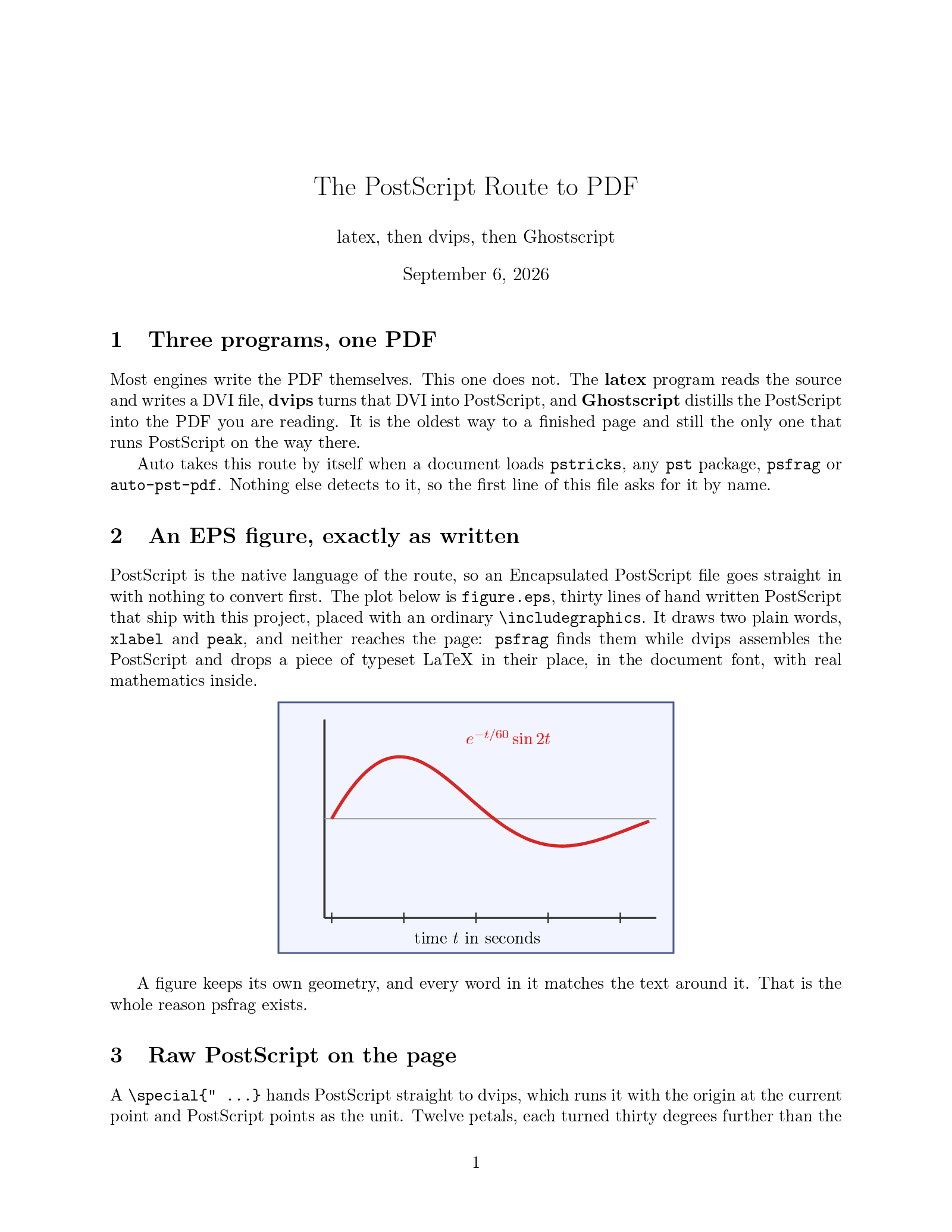
- When to use it: Any document with a \documentclass. Start new ones on LuaLaTeX, use pdfLaTeX when a template asks for it, and LaTeX for PSTricks, psfrag and EPS figures.
-
 LuaLaTeX
Recommended Active, 2007
TeX with the Lua scripting language built in, plus modern fonts. The engine the LaTeX team now recommends.
LuaLaTeX
Recommended Active, 2007
TeX with the Lua scripting language built in, plus modern fonts. The engine the LaTeX team now recommends.
-
 pdfLaTeX
Recommended Maintained, 1997
The default engine, and the one nearly every template expects.
pdfLaTeX
Recommended Maintained, 1997
The default engine, and the one nearly every template expects.
-
 XeLaTeX
Unmaintained, 2004
Unicode input and any OpenType font, through fontspec.
XeLaTeX
Unmaintained, 2004
Unicode input and any OpenType font, through fontspec.
-
 LaTeX
Maintained, 1984
The PostScript route: latex, dvips and one Ghostscript run.
LaTeX
Maintained, 1984
The PostScript route: latex, dvips and one Ghostscript run.
-
 LaTeX (dvipdfmx)
Maintained, 1984
The DVI route: latex writes DVI, dvipdfmx makes the PDF.
LaTeX (dvipdfmx)
Maintained, 1984
The DVI route: latex writes DVI, dvipdfmx makes the PDF.
Plain TeX
- What it is: The same engines running Knuth's plain format instead of LaTeX; the file ends in \bye.
- When to use it: Package writing, macro experiments, TeXbook exercises and tiny one-page documents.
-
 LuaTeX
Recommended Active, 2007
Plain TeX with an embedded Lua interpreter.
LuaTeX
Recommended Active, 2007
Plain TeX with an embedded Lua interpreter.
-
 pdfTeX
Recommended Maintained, 1997
Plain TeX in the Knuth tradition, no document class.
pdfTeX
Recommended Maintained, 1997
Plain TeX in the Knuth tradition, no document class.
-
 XeTeX
Unmaintained, 2004
Plain TeX with Unicode text and quoted font names.
XeTeX
Unmaintained, 2004
Plain TeX with Unicode text and quoted font names.
ConTeXt
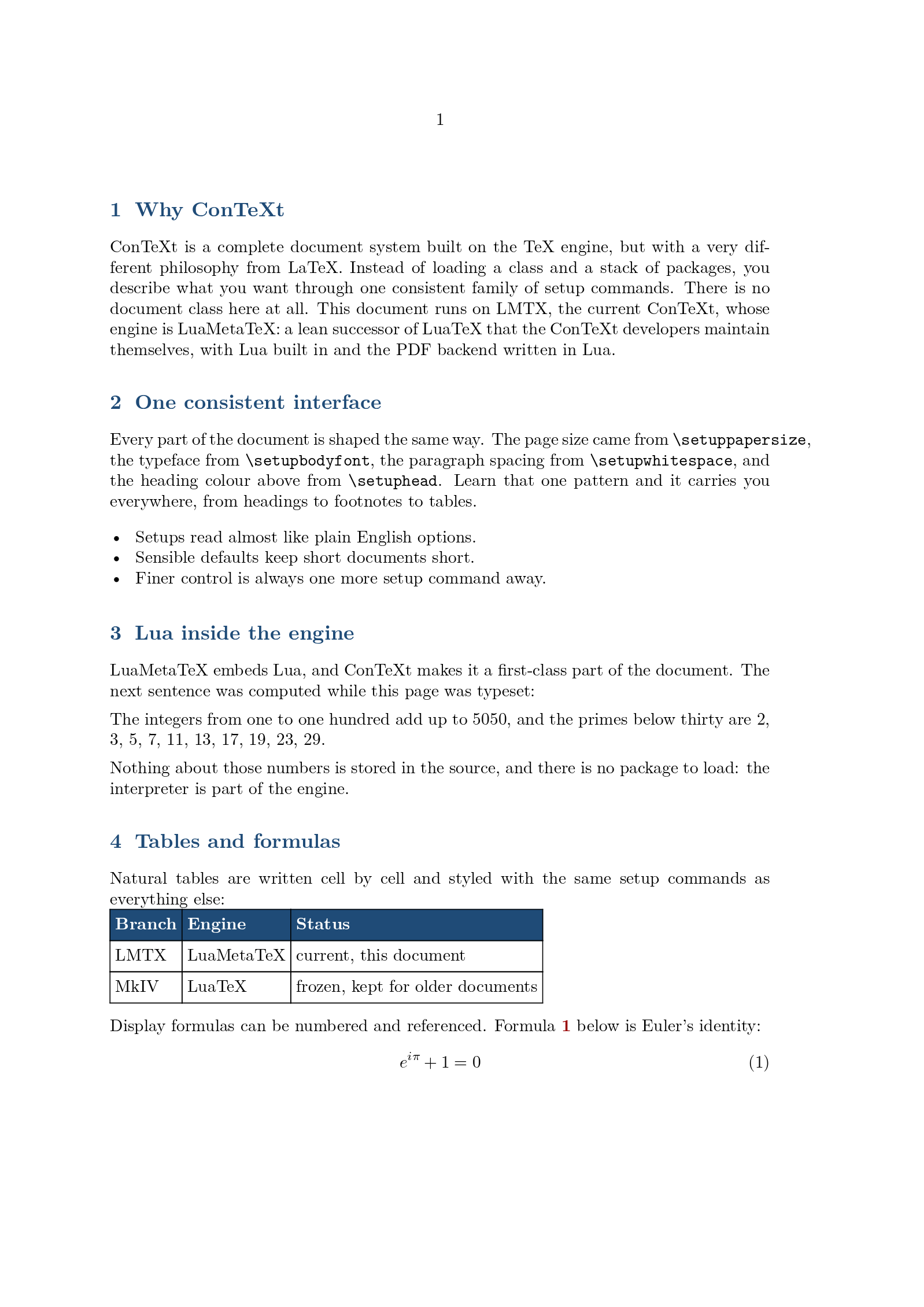
- What it is: An alternative to LaTeX on the same TeX engines: no document class, one setup language, Lua built in.
- When to use it: Documents you design yourself, books and house styles, and anything written for ConTeXt.
-
 ConTeXt
Recommended Active, 2019
The current ConTeXt, LMTX on LuaMetaTeX. One setup language, Lua inside.
ConTeXt
Recommended Active, 2019
The current ConTeXt, LMTX on LuaMetaTeX. One setup language, Lua inside.
-
 ConTeXt (MkIV)
Frozen, 2007
The frozen LuaTeX branch, for documents written against it.
ConTeXt (MkIV)
Frozen, 2007
The frozen LuaTeX branch, for documents written against it.
Japanese
- What it is: The pTeX family, with Japanese spacing and line breaking built into the engine; DVI in, PDF out.
- When to use it: Japanese documents and templates. Start new ones on upLaTeX.
-
 upLaTeX
Recommended Maintained, 2007
Unicode Japanese typesetting beyond the JIS X 0208 set.
upLaTeX
Recommended Maintained, 2007
Unicode Japanese typesetting beyond the JIS X 0208 set.
-
 pLaTeX
Maintained, 1987
Classic Japanese typesetting with JIS spacing and kinsoku.
pLaTeX
Maintained, 1987
Classic Japanese typesetting with JIS spacing and kinsoku.
Figures
- What it is: Not engines but the two languages a LaTeX document draws its figures in, TikZ and PSTricks.
- When to use it: A diagram, a plot or a geometric construction written in the source next to the text, in the document's own fonts.
-
 TikZ
Recommended Active, 2005
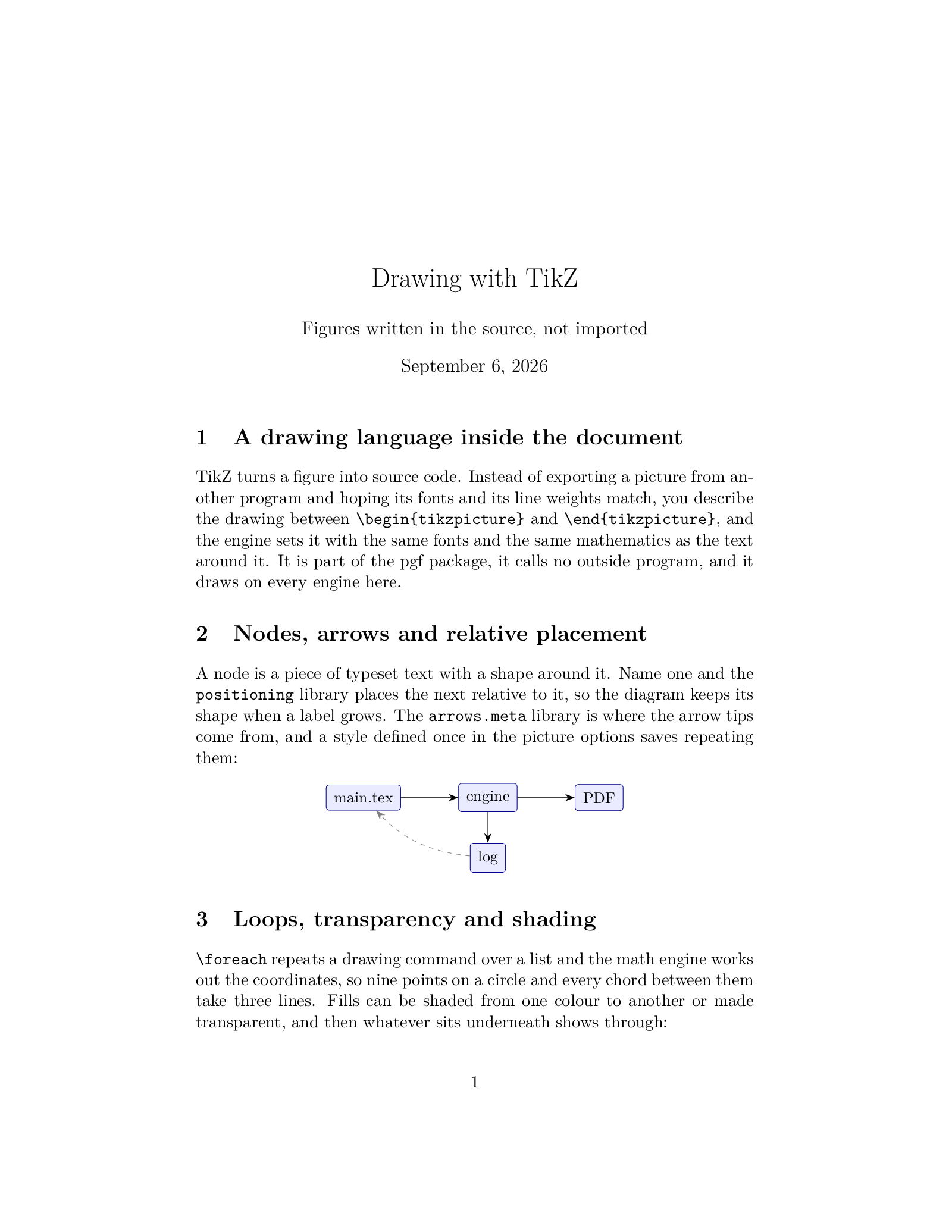
The drawing language every engine here renders, pgfplots included.
TikZ
Recommended Active, 2005
The drawing language every engine here renders, pgfplots included.
-
 PSTricks
Maintained, 1993
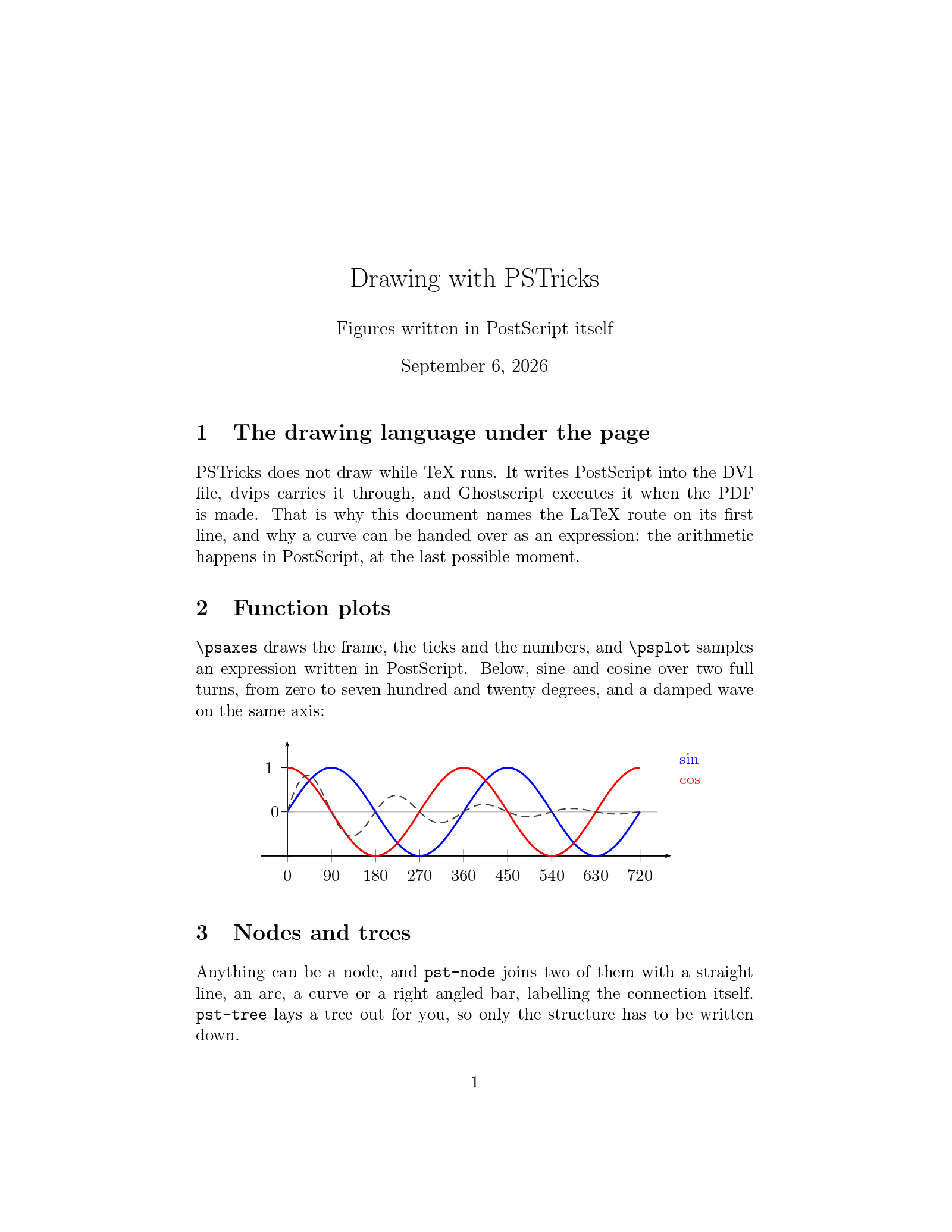
PostScript drawings, on the LaTeX, XeLaTeX and LuaLaTeX routes.
PSTricks
Maintained, 1993
PostScript drawings, on the LaTeX, XeLaTeX and LuaLaTeX routes.
Bibliography tools
- What it is: Not engines but the programs that build the reference list between LaTeX passes.
- When to use it: Any document with citations: BibTeX for journal templates, biblatex with Biber for your own.
-
 biblatex (Biber)
Recommended Active, 2009
Modern citations with Unicode sorting and flexible styles.
biblatex (Biber)
Recommended Active, 2009
Modern citations with Unicode sorting and flexible styles.
-
 BibTeX
Recommended Frozen, 1985
The classic bibliography workflow, and the most widely supported.
BibTeX
Recommended Frozen, 1985
The classic bibliography workflow, and the most widely supported.
Live math preview
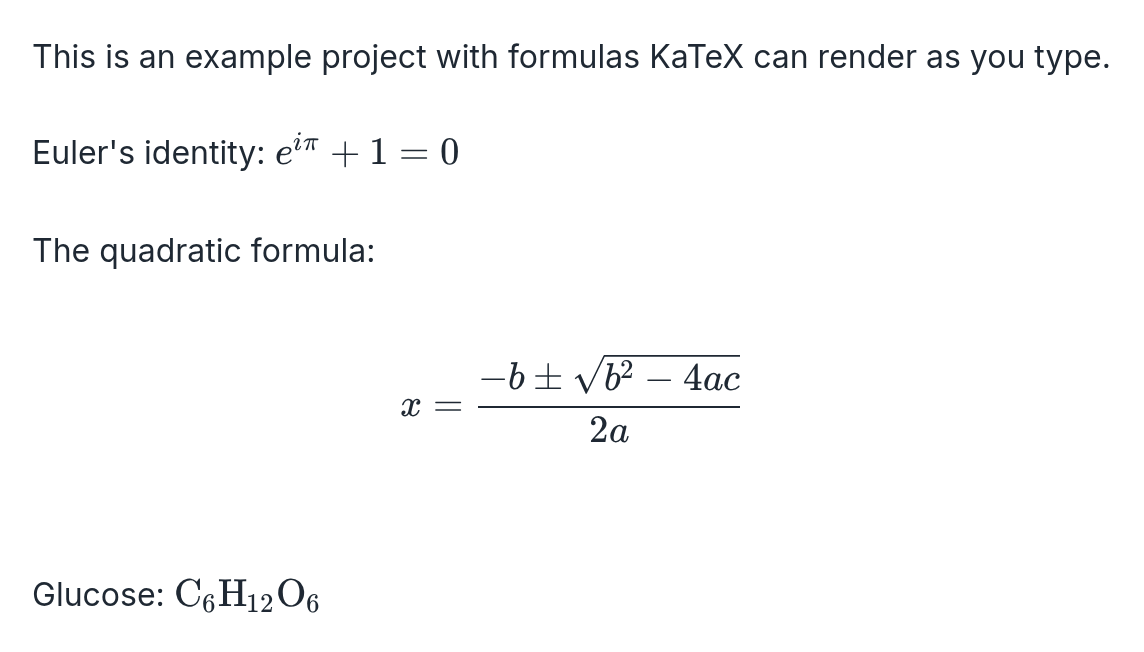
- What it is: KaTeX, which renders formulas as you type and exports them as images; no compile, no PDF.
- When to use it: A formula for a slide, a chat or a web page.
How the engine gets picked
Every example on this site names its engine on the first line of main.tex, % !TeX program = xelatex, and that line works in your own documents too. Without it, leave the dropdown on Auto: the compiler reads the document, picks the engine and the bibliography tool itself, and the status line says what it chose.
Drawing figures
The two languages a document draws its own figures in have pages here as well. TikZ renders on every engine on this site. PSTricks writes PostScript, so it needs the LaTeX, XeLaTeX or LuaLaTeX route, and TikZ vs PSTricks answers which one to write a new figure in.
Coming from Overleaf
All Overleaf projects compile on LaTeX.to, and the Overleaf alternatives page compares the other ways out.
- The engines Overleaf offers: pdfLaTeX, XeLaTeX, LuaLaTeX, and LaTeX (latex, then dvips, then Ghostscript) for its LaTeX setting.
- The engines Overleaf does not have: LaTeX (dvipdfmx), pdfTeX, XeTeX and LuaTeX for plain TeX, ConTeXt and ConTeXt MkIV, and pLaTeX and upLaTeX for Japanese.
- In Overleaf, open Menu, then Download, then Source. You get a zip file of the project.
- Open LaTeX.to.
- Click the "+" button next to Projects.
- Click Import ZIP and pick that file.
- The project appears under Projects, named after the zip file. Click its main .tex file to open it.
- Click Preview or press Ctrl+Enter.
From a coding agent or the command line
- Coding agents:
npx skills add latexto/skillsinstalls the latex-to-pdf and latex-to-image skills, then tell your agent "compile ./thesis to a PDF". - Command line:
npm install -g latexto, thenlatexto pdf ./thesiscompiles a project to PDF andlatexto image formula.texrenders a formula or a page to PNG. - Picking an engine: add
--engine xelatexor--bib biblatex-biber, with the id shown on each page here; a wrong one ends the run with the accepted list. With an agent, name the engine in the request ("compile this with LuaLaTeX"); the skill knows the same ids. Leave the option out and Auto decides, as in the editor.
The Agents and CLI page has the full reference.