TikZ vs PSTricks
TikZ vs PSTricks is a choice between a drawing language every engine renders and one that writes PostScript and needs an engine that can run it.
-
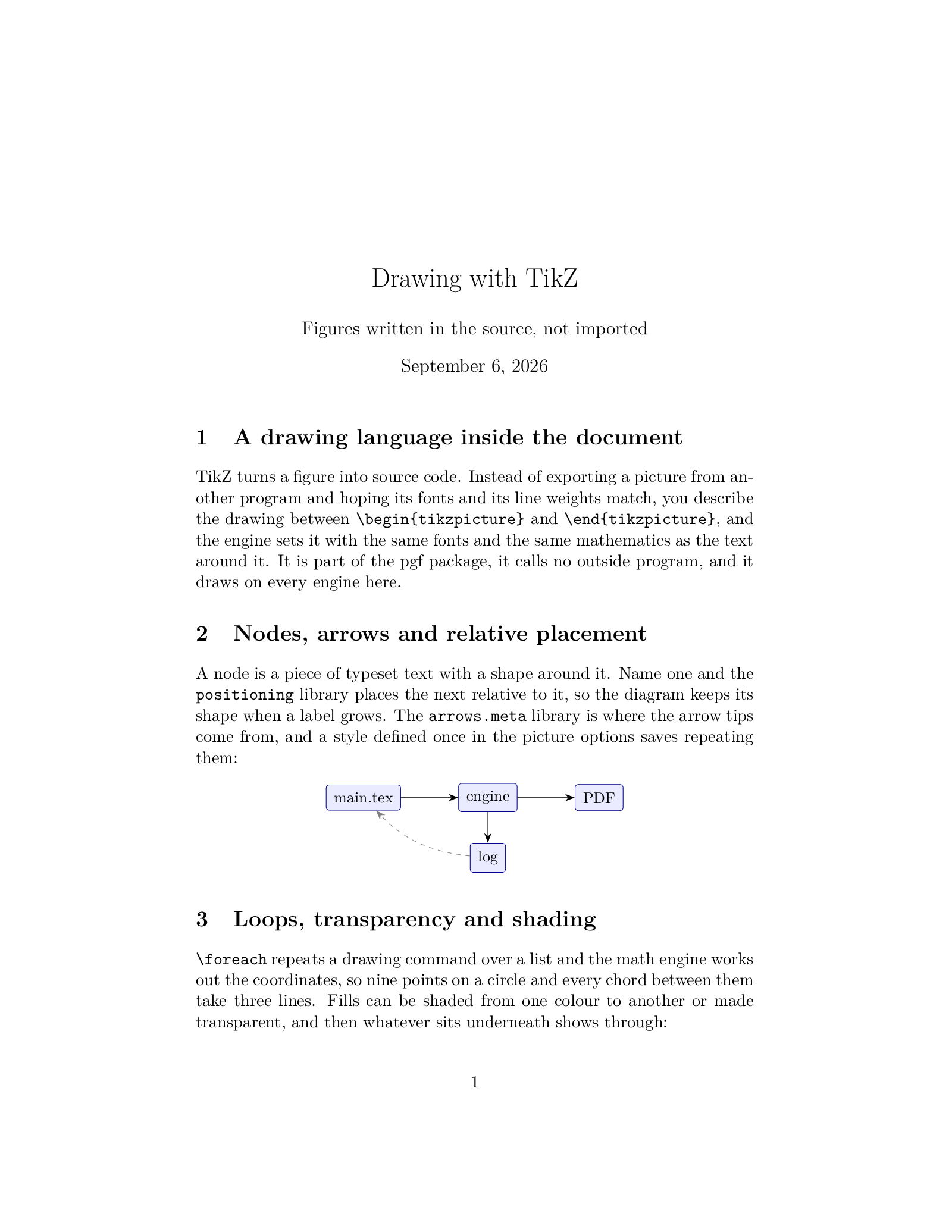 TikZ
Recommended Active, 2005
The drawing language every engine here renders, pgfplots included.
TikZ
Recommended Active, 2005
The drawing language every engine here renders, pgfplots included.
-
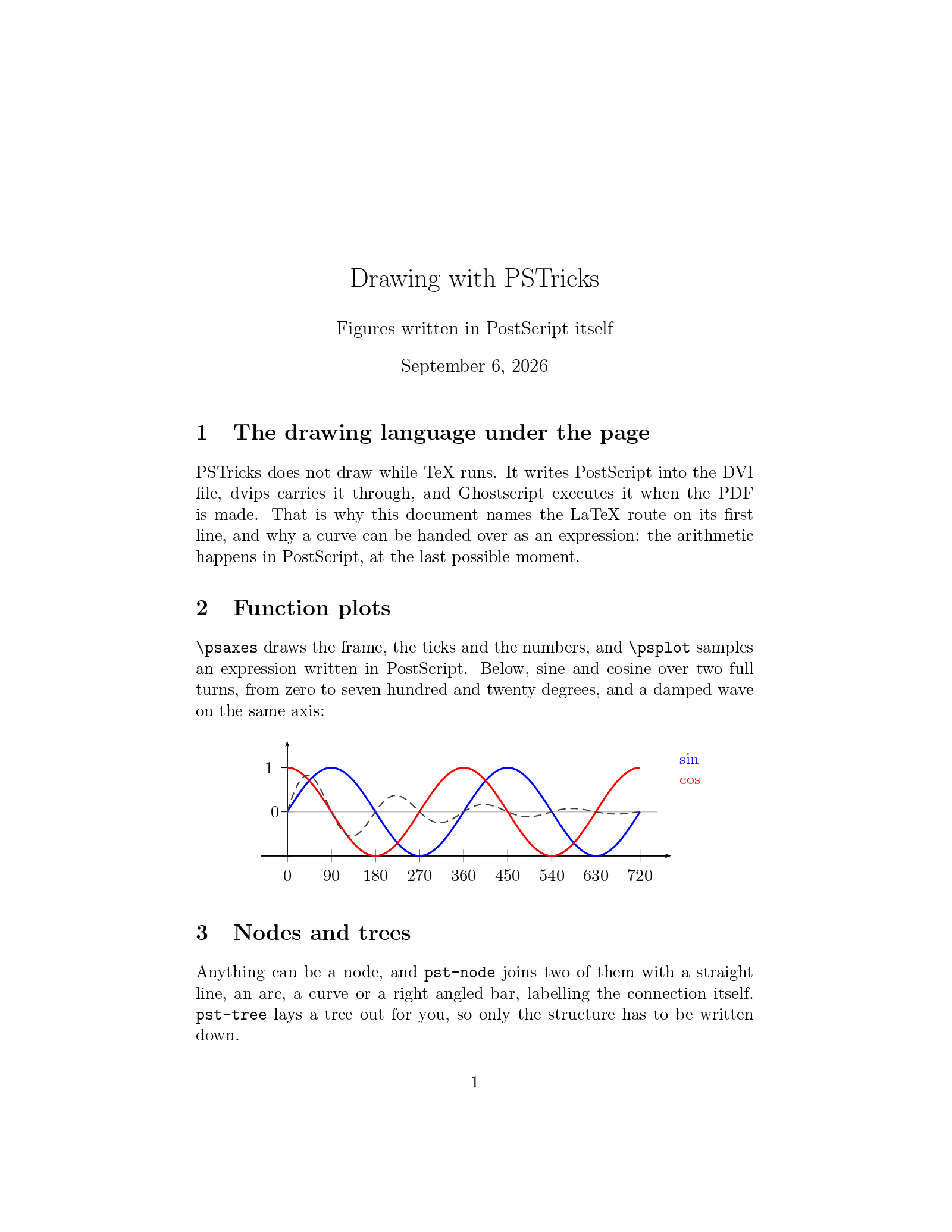 PSTricks
Maintained, 1993
PostScript drawings, on the LaTeX, XeLaTeX and LuaLaTeX routes.
PSTricks
Maintained, 1993
PostScript drawings, on the LaTeX, XeLaTeX and LuaLaTeX routes.
The short answer
- Starting a new figure, or working on a document that has to compile anywhere: TikZ. It draws on every engine here, it has the larger community, and almost every drawing question you search for was answered with it.
- The document already draws in PSTricks, or you need a
pst-package with no TikZ equivalent, or you actually want to write PostScript: PSTricks, on the LaTeX route. - You inherited a document and only want it to compile: leave it alone and pick the engine it was written for. Auto does that for you when it sees
pstricksor apst-package.
Both are installed here, so a figure can be tried in either without installing anything.
What is the same
More than the argument between them suggests. Both draw inside the document, in the document's own fonts and with the document's own mathematics, so a label in a figure matches the text around it and there is no image file to regenerate when a number changes. Both cover the same ground: paths, curves, arrows, nodes joined by lines, trees, coordinate axes, function plots, fills and transparency. Both are stable, maintained, and older than most of the documents using them. Neither needs a drawing program, and neither leaves anything behind but a .tex file.
TikZ
TikZ computes the drawing while TeX runs, in TeX's own arithmetic, and hands the finished shapes to whatever writes the page. That is why it works on every engine on this site: pdfLaTeX, XeLaTeX and LuaLaTeX, the two DVI routes, plain TeX, ConTeXt and the Japanese engines. Its syntax reads as a sentence of options and coordinates, its manual runs to a thousand pages, and pgfplots turns it into a plotting package that reads a table of numbers. Complicated pictures compile slowly and a very large one can exhaust pdfLaTeX's memory, which is the usual reason to move a figure to LuaLaTeX.
PSTricks
PSTricks writes PostScript and lets a PostScript interpreter do the drawing at the end. Because PostScript is a programming language with real arithmetic, a curve can be given as a formula and sampled at four hundred points, which is where pst-plot gets its ease with functions. The pst- family goes deep: circuits, chemistry, optics, knots, geographical projections, three dimensional plots. The cost is the route. The PDF has to be made by something that can run PostScript, so the choice of engine is not free.
Engines and speed side by side
- TikZ: every engine here. PSTricks: LaTeX, XeLaTeX and LuaLaTeX only.
- pdfLaTeX draws TikZ and cannot draw PSTricks at all, since it has no PostScript interpreter and cannot shell out to one.
- On the LaTeX route, one Ghostscript run covers the whole document. A two page PSTricks example compiles in about ten seconds here, which is the fastest PSTricks gets.
- On XeLaTeX, every drawn object goes through a Ghostscript process of its own, a couple of seconds each, so a page of ten objects takes half a minute.
- On LuaLaTeX,
luapstricksreplaces Ghostscript with Lua. Fast, and it covers most of thepst-packages but not all of them. - TikZ on pdfLaTeX is the quickest of everything. On the dvipdfmx route the driver must be named (
\def\pgfsysdriver{pgfsys-dvipdfmx.def}before\usepackage{tikz}, or the class optiondvipdfmx), or the picture is silently left out.
Moving a figure from one to the other
The vocabulary matches closely enough that most figures move by hand in a few minutes. Coordinates are the same idea in both, given in centimetres unless you say otherwise, and both take a list of options in brackets. A filled circle with an arrow beside it, in TikZ:
\begin{tikzpicture}
  \fill[blue!30, draw=blue!70!black] (2,1) circle (0.8);
  \draw[->, thick] (0,0) -- (1.2,0.6);
\end{tikzpicture}
and the same drawing in PSTricks:
\begin{pspicture}(0,0)(3,2)
  \pscircle[fillstyle=solid,fillcolor=blue!30,linecolor=blue!70!black](2,1){0.8}
  \psline[linewidth=1pt]{->}(0,0)(1.2,0.6)
\end{pspicture}
What does not move mechanically is the clever part of a picture: a \foreach loop, a pgfplots axis, a pst-tree tree, anything that computes coordinates. Rewrite those rather than translating them line by line. If the document is going to keep both for a while, that is fine too, as long as the engine can render both, which on the LaTeX, XeLaTeX and LuaLaTeX routes it can.
Each engine has its own page: TikZ, PSTricks and all engines.