LaTeX Beamer template
A LaTeX Beamer template for a talk or a lecture, slides you present from any PDF viewer.
- Engine: pdfLaTeX
- License: Public domain, use freely.
Open in LaTeX.to Download all files (zip)
Files:
main.tex
\documentclass{beamer}

\usetheme{default}

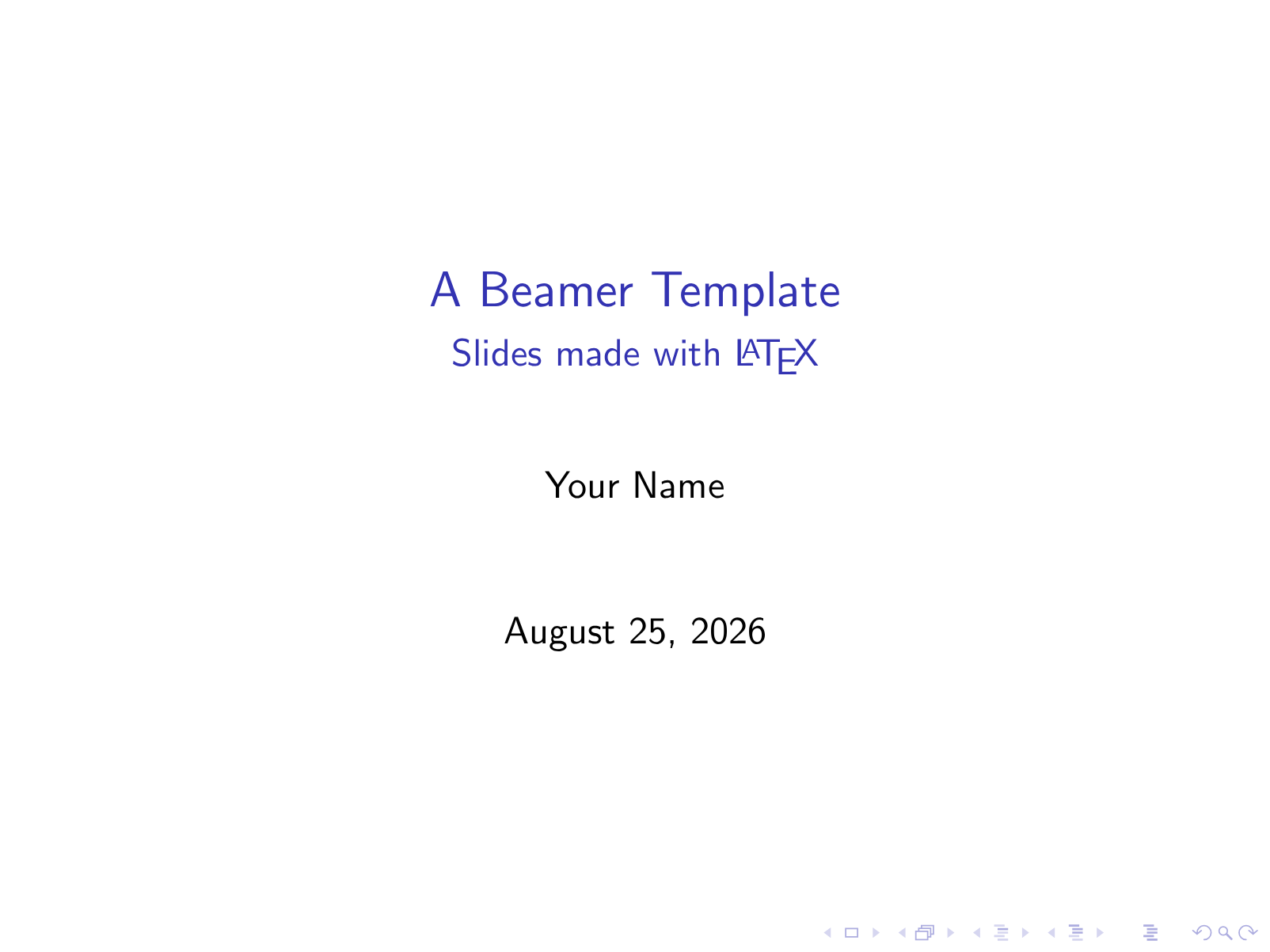
\title{A Beamer Template}
\subtitle{Slides made with \LaTeX}
\author{Your Name}
\date{\today}

\begin{document}

\begin{frame}
  \titlepage
\end{frame}

\begin{frame}{Overview}
  \begin{itemize}
    \item Beamer turns a LaTeX document into presentation slides.
    \item Each \texttt{frame} environment is one slide.
    \item Use \texttt{itemize} and \texttt{enumerate} for bullet lists.
  \end{itemize}
\end{frame}

\begin{frame}{A Little Math}
  Displayed equations look great on a slide:
  \[
    e^{i\pi} + 1 = 0 .
  \]
\end{frame}

\begin{frame}{Thanks}
  \begin{center}
    \Large Questions?
  \end{center}
\end{frame}

\end{document}
How to use this template
Everything runs in your browser: nothing to install, no login, no compile timeout.
- Click Open in LaTeX.to. The template opens as a project in the Projects pane, with main.tex in the editor and its finished PDF in the preview.
- Click Preview, or press Ctrl+Enter (Cmd+Enter on a Mac), to compile. The preview shows the new PDF; you do not need to save first.
- If the compile fails, the Console pane opens with the LaTeX log. The first error in it says what went wrong and on which line.
- To add an image, a .bib file or another .tex file, open the project's menu (the three dots next to its name in the Projects pane) and choose Upload file or New file.
- The arrow next to Preview has Download PDF. Ctrl+S saves your edits, and the project stays in your browser on this device.
How to add a slide
Every frame is one slide, so adding one is copying a block.
- Copy a block from
\begin{frame}{Overview}to its\end{frame}and paste it where the new slide belongs. - The text in the braces after
\begin{frame}is the slide title. - Put the content between the two lines: an
itemizelist, a paragraph, or math between\[and\].
How to change the look
The deck uses the plain default theme at 4 by 3, and two lines change both.
- Replace
\usetheme{default}with\usetheme{Madrid}, which adds a footer with your name, the title and the slide number;Berlin,WarsawandBoadillaare other common choices. - Add
\usecolortheme{beaver}below it for a red color scheme without changing the layout. - For a 16 by 9 projector, change the first line to
\documentclass[aspectratio=169]{beamer}.
How to reveal a list one item at a time
A slide can build up in steps, and each step is a page of its own in the PDF.
- Put
\pausebetween two\itemlines; everything after it appears on the next click. - To print the slides without the steps, change the first line to
\documentclass[handout]{beamer}.
More templates: ACM paper, Elsevier article, IEEE paper, Research paper, Poster, Research proposal, Thesis and all templates.