pdfLaTeX vs XeLaTeX vs LuaLaTeX
pdfLaTeX vs XeLaTeX vs LuaLaTeX is the question every LaTeX editor dropdown asks, and the answer depends on fonts, scripts and who will read the PDF.
-
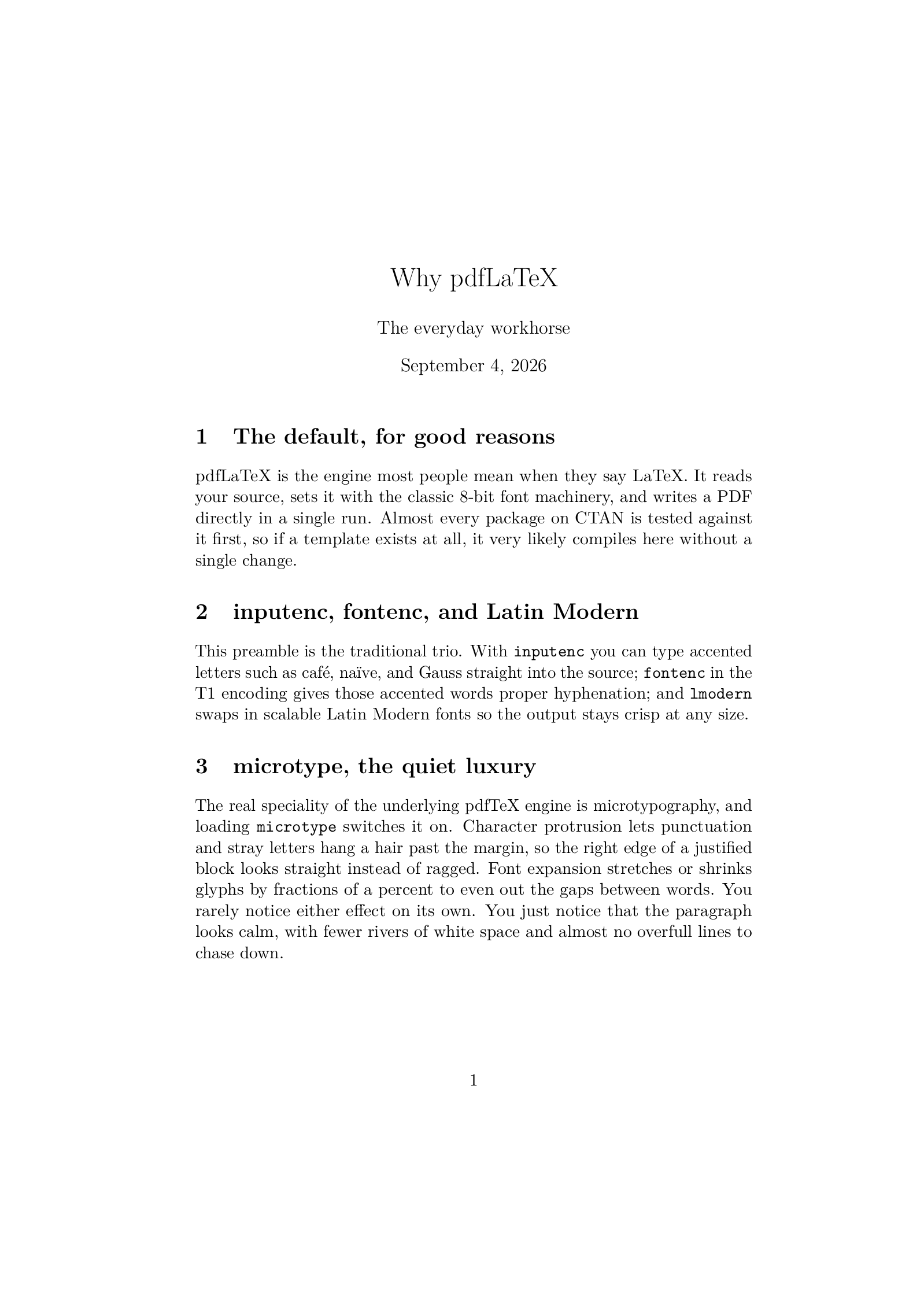 pdfLaTeX
Recommended Maintained, 1997
The default engine, and the one nearly every template expects.
pdfLaTeX
Recommended Maintained, 1997
The default engine, and the one nearly every template expects.
-
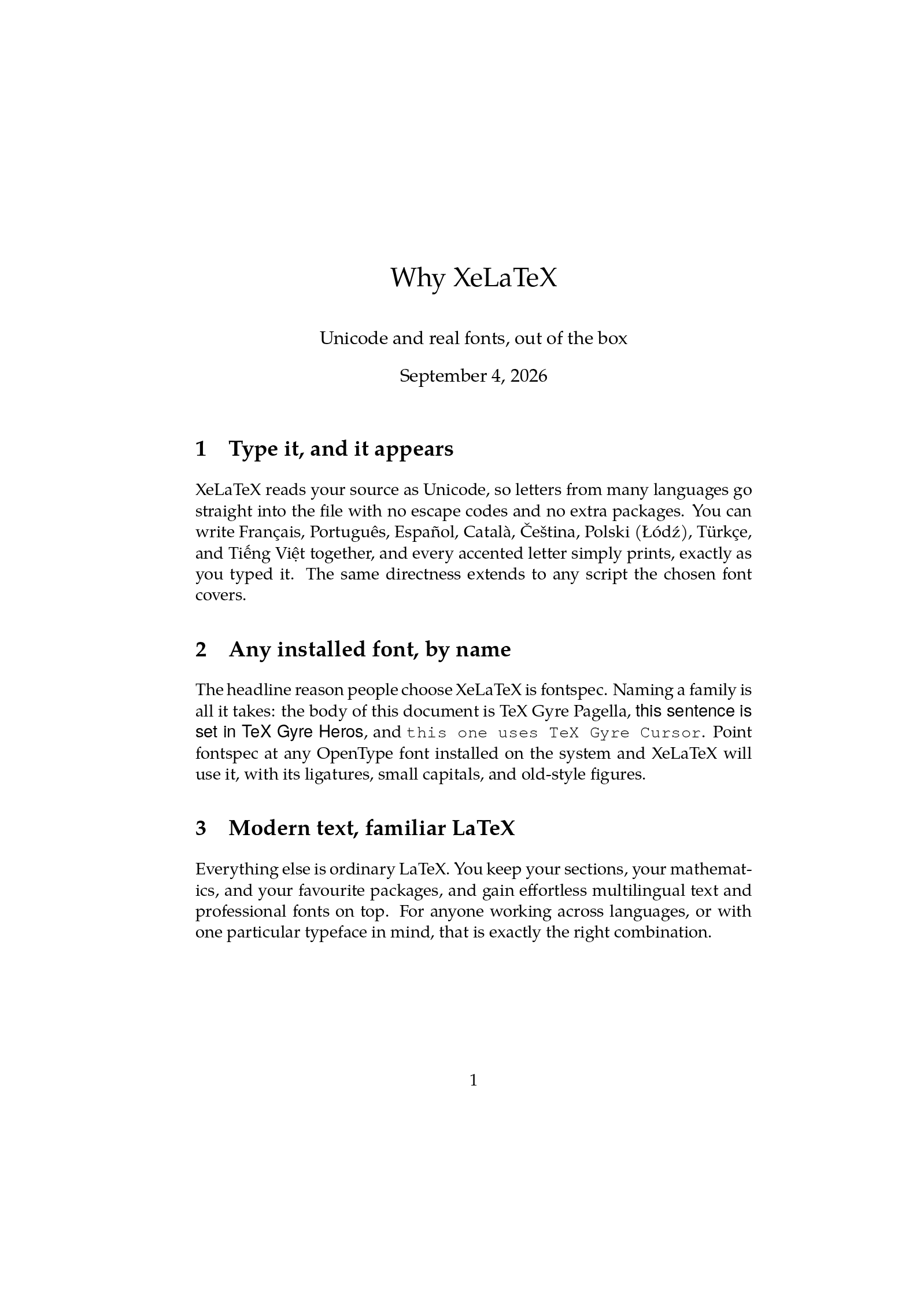 XeLaTeX
Unmaintained, 2004
Unicode input and any OpenType font, through fontspec.
XeLaTeX
Unmaintained, 2004
Unicode input and any OpenType font, through fontspec.
-
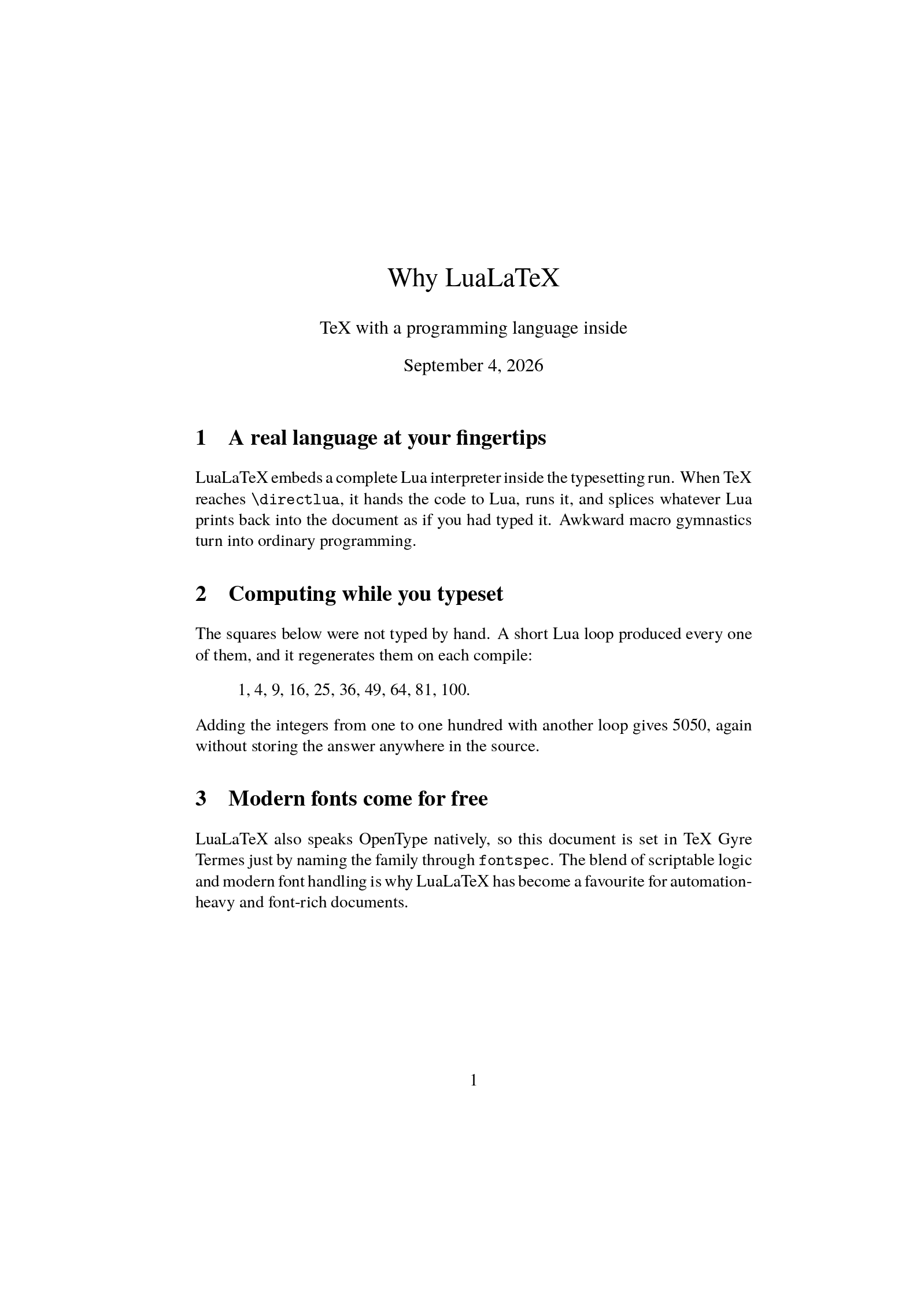 LuaLaTeX
Recommended Active, 2007
TeX with the Lua scripting language built in, plus modern fonts. The engine the LaTeX team now recommends.
LuaLaTeX
Recommended Active, 2007
TeX with the Lua scripting language built in, plus modern fonts. The engine the LaTeX team now recommends.
The short answer
- Someone handed you a template: use the engine it was written for, which is nearly always pdfLaTeX.
- The document is yours and you are starting from nothing: use LuaLaTeX. The LaTeX team has recommended it for new documents since November 2024, mostly because tagged, accessible PDFs need it.
- You already have a working XeLaTeX document, or the text is Arabic, Persian or another right-to-left script: XeLaTeX, whose
polyglossiaandbidisupport is still the most polished.
On LaTeX.to you do not have to decide up front. Leave the dropdown on Auto and the compiler reads the document:
luacodeor\directluameans LuaLaTeX.- Otherwise
fontspecin the preamble means XeLaTeX. - Anything else means pdfLaTeX.
- A first line such as
% !TeX program = lualatexoverrides all of it.
What is the same
More than people expect. All three take the same \documentclass, the same sections, the same math, the same figures and tables, and the same packages for nearly everything above the font level. A document's body does not change when you move it between engines. What changes is the preamble, a handful of font-related packages, and what the engine can do with text that is not plain ASCII.
pdfLaTeX
The pdfTeX engine with the LaTeX format loaded, and the default everywhere since the late 1990s. It starts fastest, because it loads no font shaper and no scripting language, and it has the deepest package compatibility: every package on CTAN was tested against it first. It is also the only engine with full microtypography through microtype, protruding punctuation past the margin and stretching glyphs by fractions of a percent so justified text looks calm.
Its limit is fonts. pdfLaTeX works with 8-bit TeX fonts: Computer Modern, Latin Modern, the classic Times and Palatino clones, and whatever has been packaged for TeX. A font you own cannot be used without converting it, and text in Greek, Cyrillic, Arabic or CJK is a fight with encodings. Accented Latin letters are fine.
XeLaTeX
The XeTeX engine, written by Jonathan Kew in 2004, with the LaTeX format loaded. It reads your file as Unicode and loads OpenType fonts by name through fontspec: \setmainfont{TeX Gyre Pagella} and the whole document is set in that face, ligatures and small capitals included. Any font inside TeX Live works, and a font file you upload can be loaded by its file name. Text shaping is done by HarfBuzz built into the engine, which is why complex scripts and right-to-left languages work so well.
XeLaTeX does not write PDF itself. It writes XDV and the xdvipdfmx driver converts it in the same run, which is why a few pdfTeX-only packages complain and why microtype gives you protrusion but not font expansion. The engine is no longer developed, and the LaTeX team has said it will never be able to produce tagged PDFs.
LuaLaTeX
The LuaTeX engine (in TeX Live, the luahbtex binary) with the LaTeX format loaded. It has everything XeLaTeX has, Unicode input and fontspec fonts, and adds a Lua interpreter inside the engine: \directlua runs code in the middle of the typesetting pass and pastes the result into the page, so a document can compute a table or loop over data. It writes PDF directly, allocates memory dynamically so very large documents do not hit "TeX capacity exceeded", and it is the engine the LaTeX team's automatic tagging is built on.
The cost is startup time. LuaLaTeX starts more slowly than the other two, and the first compile that meets a new font builds a cache for it, which is a one-time wait per font. A handful of old packages that poke at pdfTeX internals do not work on it.
Fonts, speed and accessibility side by side
- Fonts: pdfLaTeX, TeX fonts only, 8-bit; XeLaTeX and LuaLaTeX, any OpenType font by name, Unicode text.
- Speed: pdfLaTeX fastest, XeLaTeX close behind, LuaLaTeX slowest to start, all fast once the packages are cached.
- Microtypography: pdfLaTeX full, LuaLaTeX full, XeLaTeX protrusion only.
- Right-to-left scripts: XeLaTeX best, LuaLaTeX good, pdfLaTeX poor.
- Scripting inside the document: LuaLaTeX only.
- Tagged, accessible PDFs: LuaLaTeX; pdfLaTeX with limits; XeLaTeX never.
- Future: LuaLaTeX is where development happens, pdfLaTeX is maintained, XeLaTeX is unmaintained.
Switching an existing document
From pdfLaTeX to LuaLaTeX or XeLaTeX:
- Delete
\usepackage[utf8]{inputenc}and\usepackage[T1]{fontenc}(harmless but pointless). - Replace the font packages with
\usepackage{fontspec}and a\setmainfont. - For math, load
unicode-mathwith a\setmathfont. - Leave everything below the preamble as it is.
The reverse move is the same in mirror image, plus finding a TeX font that matches what fontspec was loading. Between XeLaTeX and LuaLaTeX, most documents move with no change at all, because the fontspec commands are identical; what can need a touch is polyglossia (LuaLaTeX users often prefer babel), anything that used \XeTeX... primitives, and, going the other way, any \directlua.
Each engine has its own page: pdfLaTeX, XeLaTeX, LuaLaTeX and all engines.